Turn your manuscript into a rejection-proof bilingual book — in any language, on the first upload.
The exact formatting system used on 5,000+ bilingual books: RTL layout for Arabic & Hebrew, QR-code "Speaking Book" audio, 15 done-for-you Canva templates, and the 10 invisible KDP rules that quietly get books rejected.
This page describes the contents of a digital formatting guide and template pack. "Rejection-proof" refers to the name of the guide's KDP checklist system and reflects the author's professional process — it is not a guarantee that any specific book will be accepted by Amazon KDP, whose review policies are outside our control. See the Results note in the footer.
Same story. Same words. One sells for $5, the other for $25.
The book walks you through why that gap exists — and how to build the "premium" side of it, page by page.
- Uneven, cramped margins
- Default, mismatched fonts
- No breathing room around text
- RTL text broken or backwards
- No audio, no interactivity
- Balanced, generous margins
- Curated, culturally-appropriate fonts
- Deliberate whitespace & hierarchy
- Flawless, native-correct RTL flow
- QR-code native pronunciation audio
"Perceived value" ranges reflect the book's own framework for how formatting quality influences buyer perception — not a guarantee of any resale price or sales outcome for your specific book.
5 sections. 16 chapters. 2 bonus walkthroughs.
Organized exactly like the guide itself — find what you need in seconds.
- Why formatting separates a $5 book from a $25 book
- The 5 Pillars of bilingual book design
- Document setup: the 5-minute foundation
- The RTL revolution: Arabic & Hebrew formatting
- Typography: fonts that actually work
- The RTL "reality check" before uploading
- The "Speaking Book" revolution
- The 15-minute voiceover system
- QR generation, hosting & premium placement
- Canva for bilingual books: the visual guide
- 15 done-for-you templates, described & ready to use
- Customizing templates without breaking them
- The 10 "invisible" KDP rules
- The pre-flight test, before you upload
- The emergency-fix library
- A complete walkthrough, one page start to finish
- Working with illustrators for bilingual-ready art
- FAQ + 5 quick-reference cards
Format Arabic and Hebrew without guessing.
The exact fonts, tools, and fixes for right-to-left text
Most self-publishers avoid Arabic and Hebrew entirely because RTL formatting breaks in Google Docs, Word, and Canva by default. This section hands you the working method for each tool.
- Step-by-step RTL setup in Google Docs, Word, and Canva
- The "disappearing text" and "flipped pages" bugs, diagnosed and fixed
- A vetted safe-font list for Arabic, Hebrew, Mandarin, German, Italian & Portuguese
- Working with a translator — what to request, what to test
Turn a static page into a "Speaking Book"
A small QR code in the corner of the page plays native-speaker audio the instant a parent scans it — no app, no login. The guide walks through generating, hosting, and placing that audio so it looks like a designed feature, not a sticker.
- Free AI text-to-speech tools compared (ElevenLabs, Azure, Google, Polly)
- The "one page = one audio file" system for fast QR lookup
- 4 placement patterns that make QR codes look premium, not pasted-on
- The dynamic-QR trick: update audio without ever reprinting your book
Pronunciation Corner · Audio Bar · Bonus Page · Page-Flip — four tested layouts, all covered with exact sizing (minimum 1in × 1in to stay scannable at print size).
15 done-for-you Canva templates.
Pre-measured margins, text zones, and audio zones — drop in your text, art, and QR codes.
Built for self-publishers formatting their own manuscript.
✅ This is for you if…
- You have a bilingual manuscript (or a translated one) ready to format
- You've never opened Adobe InDesign and don't plan to start
- You want an Arabic, Hebrew, or other RTL edition done correctly
- You've been rejected by KDP before and don't know exactly why
- You want your book to look and feel like a premium release
⛔ This is not for you if…
- You're looking for a ghostwriter to write your story — this is formatting, not authoring
- You want a done-for-you illustration service — art briefing is covered, art creation isn't
- You're publishing exclusively single-language, English-only books with no design ambitions
- You're not willing to spend an evening working through the templates
Whatever broke, it's already diagnosed in Chapter 16.
A preview of the exact fixes inside — the same ones Sam has used across 5,000+ formatted books.
The 10 invisible rules that get bilingual books rejected.
Bleed, gutter margins, font embedding, DPI, ISBN, barcode zones — spelled out in one place, for the first time.
Run this before every upload
- 01 Margins match exact measurements (0.5in / 0.75in gutter)
- 02 Bleed present & correctly sized (0.125in on full-bleed art)
- 03 Fonts are from the Safe Font List and properly embedded
- 04 Page count meets KDP's minimum for your chosen ink type
- 05 Every image confirmed at 300 DPI at final print size
- 06 Every QR code print-tested on two different phones
16 chapters. 15 templates. 1 checklist. $47 once.
No subscription, no upsell required to use what's on this page.
Everything above, delivered the moment you order.
The Lingua Formatter
- 16 chapters + 2 bonus walkthroughs (PDF)
- RTL formatting system for Arabic & Hebrew
- QR-code "Speaking Book" audio system
- 15 done-for-you Canva templates
- 10-point KDP rejection-proof checklist
- Safe font list for 8 languages
- 5 quick-reference cards + emergency-fix library
- Instant digital delivery
secure_checkout: [WarriorPlus] · digital_delivery: instant
Sam "The Formatter"
Sam has spent 20+ years formatting manuscripts — chasing down missing fonts, fixing flipped RTL pages, and figuring out exactly why KDP rejects a perfectly good book. The Lingua Formatter compiles that process into one repeatable system.
Frequently Asked Questions
Do I need design experience to use this?
No. The guide is written for self-publishers with no design background, using free tools (Google Docs, Word, Canva's free tier) throughout.
Does this guarantee KDP will accept my book?
No. This guide teaches the formatting standards and pre-flight checks that address the most common rejection causes. Amazon KDP sets and changes its own review policies, which are outside this product's control, so no acceptance outcome can be guaranteed.
What languages does this cover?
The core system applies to any language pair. Specific typography and sizing guidance is included for Arabic, Hebrew, Mandarin, German, Italian, and Portuguese, alongside English.
Do I need Canva Pro?
No. All 15 templates and the formatting method work with Canva's free tier. Canva Pro is only needed if you want to save your own templates or upload custom fonts, which the guide notes as optional.
What format is the product delivered in?
A digital PDF guide delivered instantly by email after checkout, with a linked folder for the 15 Canva templates.
What's your refund policy?
[Insert your actual refund policy here — must match the guarantee above and your JVZoo/WarriorPlus vendor settings.]
Stop guessing at margins. Start formatting like a publisher.
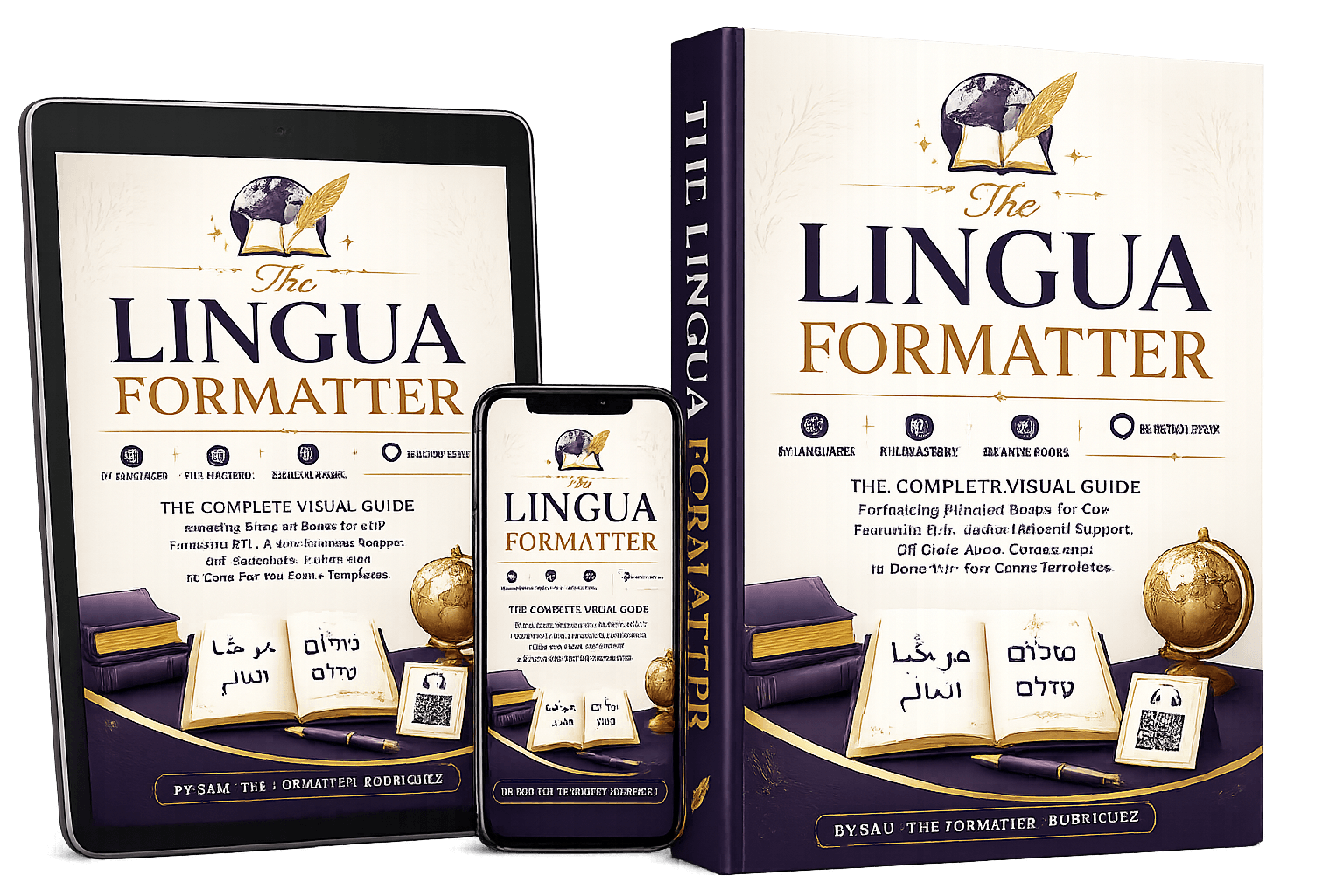
16 chapters, 15 templates, and a 10-point checklist — ready the moment you check out.